Azure Bastion: Why Your VMs Don't Need Public IPs Anymore
In this article
Update, October 2026: Bastion now ships in four SKUs with different capabilities and hourly rates, and choosing between them is its own decision, covered in Which Azure Bastion SKU Do You Need in 2026?. This article has been kept for the part that has not changed: how Bastion brokers a session, what the AzureBastionSubnet demands of your network design, and how access is gated. The SKU comparison that used to sit here has moved to that article, and the network constraints that break Bastion have been added here, because they belong with the architecture.

Every Azure environment we audit has the same problem: VMs with public IP addresses and NSG rules allowing RDP (3389) or SSH (22) from “trusted” IP ranges. Those ranges grow over time. People leave. IPs change. The rules become a liability that nobody wants to own.
Azure Bastion reached general availability at Ignite 2019 and solves that problem directly. It provides browser-based RDP and SSH access to your VMs through the Azure portal, over TLS, across the Azure backbone, with no public IP required on the target VM.
You click “Connect” in the portal and get a browser session, without a jump box, a VPN client, or an NSG rule that opens RDP to the internet.
The Security Case
The traditional approach to VM access accumulates risk in four places at once.
Public IPs put every VM within reach of the internet, and even with NSG rules in front of them, you are one misconfiguration away from exposure. Jump boxes replace that with a Windows VM you give a public IP, lock down with NSGs, and then patch, monitor and back up forever, which makes it both a maintenance burden and the most attractive target in the environment. Point-to-site VPN works, but it brings client configuration, certificate management, and troubleshooting when it breaks on someone’s laptop at 2 AM. And NSG rules sprawl: allowing RDP from “the office IP” becomes five office IPs, three home IPs, two consultant ranges, and a /16 that nobody remembers adding.
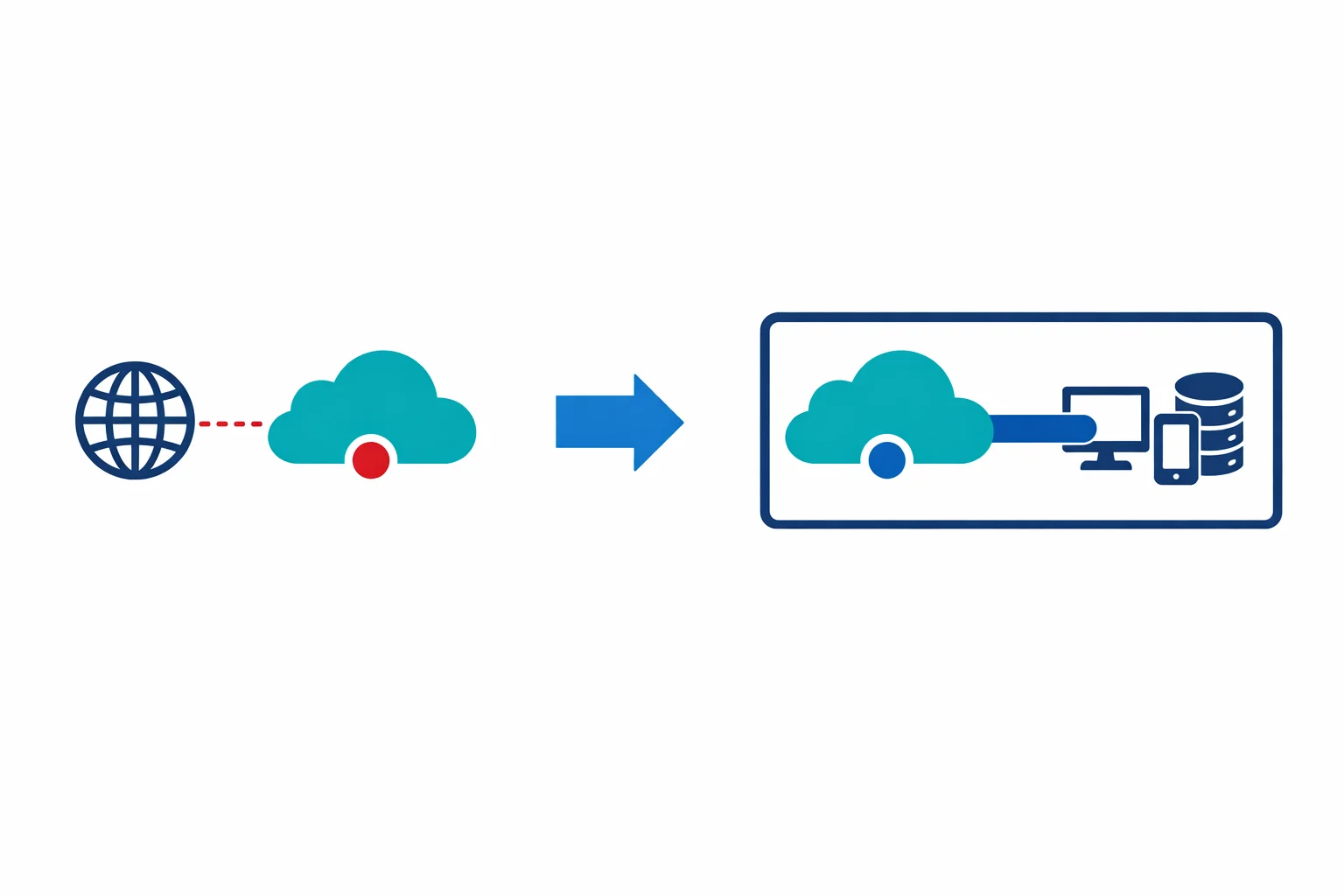
Azure Bastion removes all four. Your VMs don’t get public IPs. Your NSGs don’t need inbound rules for 3389 or 22. There is no jump box VM to maintain. Access happens through the Azure control plane, authenticated by Microsoft Entra ID, over port 443.
Azure docs: Azure Bastion overview
How It Works
Bastion deploys as a PaaS service into a dedicated subnet in your VNet. When a user clicks “Connect” on a VM in the Azure portal, Bastion brokers an RDP or SSH session from the user’s browser to the VM’s private IP: all over TLS on port 443.
The session never leaves the Azure network. The user’s browser connects to the Bastion endpoint over HTTPS. Bastion connects to the VM over the VNet on the standard RDP or SSH port. The VM sees a connection from Bastion’s private IP, not from the internet. No public IP needed, no inbound NSG rules for RDP/SSH, no brute-force attacks on port 3389.
Nothing is installed on either end. The service is agentless, so the target VM needs no Bastion software and the user needs no client beyond a browser.
The AzureBastionSubnet
Bastion requires a dedicated subnet named exactly AzureBastionSubnet. Not bastion-subnet. Not BastionSubnet. The exact name AzureBastionSubnet. The deployment fails if you get this wrong.
The subnet must be /26 or larger. This is a hard requirement rather than a recommendation, and it tightened after this article was first published: Bastion resources deployed before 2 November 2021 were allowed a /27 and still work, but anything created since needs the /26, and a smaller subnet limits how far the host can scale. The subnet is also reserved, so no other resource can sit in it.
# Create the Bastion subnet
az network vnet subnet create \
  --resource-group rg-networking \
  --vnet-name vnet-hub-westeurope \
  --name AzureBastionSubnet \
  --address-prefix 10.0.1.0/26

# Deploy Bastion
az network bastion create \
  --resource-group rg-networking \
  --name bastion-hub-westeurope \
  --vnet-name vnet-hub-westeurope \
  --location westeurope \
  --sku Basic
Bastion works across VNet peering. Deploy it once in the hub VNet and it can reach VMs in any peered spoke VNet, including spokes in other subscriptions within the same tenant. You don’t need a Bastion instance per spoke: one hub deployment covers the entire hub-spoke topology.
What Breaks It
Four network design decisions will stop Bastion working, and all four are common in enterprise hub-spoke builds.
User-defined routes are not supported on the AzureBastionSubnet at all. You also cannot force-tunnel: advertising a default route of 0.0.0.0/0 over ExpressRoute or VPN into the Bastion VNet breaks the service, because Bastion needs to reach Microsoft-internal endpoints to broker a session. A Route Server advertising 0.0.0.0/0 into that VNet breaks it for the same reason. If your security model routes everything to an on-premises inspection point, Bastion has to sit outside that path.
Private DNS zones can break it more quietly. If the Bastion VNet is linked to a private DNS zone named exactly management.azure.com, blob.core.windows.net, core.windows.net, vaultcore.windows.net, vault.azure.net or azure.com, the service cannot resolve what it needs. A privatelink. prefixed zone is fine, which is the normal Private Link pattern, so this bites the people who shortcut the naming.
Virtual WAN needs its own layout. You cannot deploy Bastion inside a vWAN hub. The supported pattern is Bastion in a spoke, reaching VMs in other VNets through the hub using IP-based connection, which is a Standard SKU feature. If the hub is secured with Azure Firewall, the Bastion VNet connection must have default route propagation disabled.
And Bastion itself does not support Private Link, so a private-only posture comes from the Premium SKU’s private-only deployment rather than from a private endpoint.
Azure docs: Bastion VNet peering · Configuration settings · Bastion FAQ
NSG Simplification: Before and After
The security improvement is most visible in the NSG rules.
Before Bastion, typical VM NSG:
Priority  Direction  Action  Port   Source
100       Inbound    Allow   3389   203.0.113.0/24    (office)
110       Inbound    Allow   3389   198.51.100.15/32  (admin home)
120       Inbound    Allow   22     203.0.113.0/24    (office)
130       Inbound    Allow   22     10.0.0.0/16       (VNet)
200       Inbound    Deny    *      *
After Bastion, the same VM NSG:
Priority  Direction  Action  Port   Source
100       Inbound    Allow   3389   10.0.1.0/26       (AzureBastionSubnet)
110       Inbound    Allow   22     10.0.1.0/26       (AzureBastionSubnet)
200       Inbound    Deny    *      *
The only allowed source for management traffic is the Bastion subnet itself. The internet cannot route to the VM, the VM has no public IP, and even an attacker who modified the NSG would have nothing to attach an inbound rule to.
Which SKU
Bastion shipped with one product and now sells as Developer, Basic, Standard and Premium. The short version: peering pushes you off Developer, the native client and file transfer push you off Basic, and session recording or a private-only host pushes you to Premium. A downgrade is not supported, so the choice is awkward to reverse.
The full comparison, the current rates and the triggers that should decide it are in Which Azure Bastion SKU Do You Need in 2026?.
One mechanism is worth keeping here, because it changes how Bastion feels to use. From the Standard SKU upward, you can tunnel a native RDP or SSH client through Bastion with the Azure CLI instead of working in the browser:
az network bastion rdp \
  --name bastion-hub-westeurope \
  --resource-group rg-networking \
  --target-resource-id /subscriptions/.../virtualMachines/vm-app01
Same security posture, native client performance. File transfer runs through this path too.
Azure docs: Bastion SKU comparison · Native client connections
Is It Worth the Fixed Cost
Bastion bills by the hour from deployment, whether anyone connects or not. The Basic SKU runs two instances at $0.19 per hour, which is about $139 a month, and that rate has not moved since this article was written in 2019.
That fixed line replaces a jump box VM (roughly $70 to $150 a month for a B2ms with Windows licensing), removes the public IPs that came with it, and removes the need for a VPN gateway deployed purely for management access. It also gives you central audit logs of who connected to what and when.
For an enterprise with 50 or more VMs across several spokes, that is easy to justify: the jump box alone costs as much, with a worse security posture and something to patch. For a three-VM environment, a fixed $139 a month purely for management access is harder to defend, and just-in-time VM access with time-limited NSG rules may fit better. The point-to-site VPN alternative that used to be the obvious cheap answer now carries its own migration work, with Basic public IP deprecation and the SSTP retirement both in flight, so price it properly before treating it as the budget option.
Bastion pays for itself when the alternative is a managed jump box in a security-conscious environment. If you were already running a Windows VM as a bastion host, the costs are comparable and the security posture is better by a wide margin.
How Access Is Gated
Bastion sessions start in the Azure portal, which puts them behind Microsoft Entra ID authentication and RBAC before any VM login prompt appears. A user needs three things.
First, Entra ID authentication, with whatever MFA and Conditional Access you already enforce. Second, RBAC: Reader on the virtual machine, Reader on the NIC that holds its private IP, Reader on the Bastion resource, and Reader on the target VM’s virtual network when Bastion sits in a peered VNet. The NIC role is the one people miss, and its absence produces a VM that simply does not appear as connectable. Third, credentials for the VM itself, whether a local account, an SSH key, or an Entra identity.
This layered model is stronger than traditional jump box access, because the user passes Entra ID authentication with MFA before reaching the VM login prompt, and Conditional Access can enforce device compliance, location and session controls at that point.
Entra ID login for VMs reduces local credentials further, with one limitation worth knowing: Entra authentication to an extension-joined VM works for RDP and SSH through the native client and for SSH in the portal, but RDP with an Entra identity in the portal is not supported yet. Guest accounts can use Bastion but cannot authenticate to the VM with Entra.
Limitations to Know About
Browser-based RDP is workable but noticeably slower than a native session. Text rendering, mouse movement and file operations feel sluggish, which is the main reason teams move to the native client. The maximum resolution through Bastion is 1920x1080.
There is no multi-hop. You cannot connect to VM-A through Bastion and then on to VM-B from inside that session. Reaching the second machine means a second Bastion connection or the native client.
Clipboard text works in both directions, but files do not travel on the clipboard. File transfer requires the native client, and it cannot be done through the portal session or through PowerShell, which catches out anyone who built a workflow around browser-based copying.
Sessions disconnect during maintenance on the Bastion host, so treat a Bastion session as something that can be interrupted rather than as a stable long-running shell.
And the AzureBastionSubnet consumes a /26: 64 addresses for a single service. In a tight address space that is a real cost, and it has to be planned at design time rather than retrofitted.
Why This Still Holds
The mechanism has not changed since 2019. Bastion brokers the session, the VM keeps its private IP, the NSG collapses to a single management source, and access is gated by the identity controls you already run. Everything added since, from the native client to session recording to the private-only deployment, sits on that same shape.
For enterprise environments the trade-off is still obvious. Deploy Bastion in the hub, peer it to your spokes, delete the public IPs from your VMs, and close 3389 and 22 to the internet. The part that now needs thought is which SKU you are buying and whether your routing design lets Bastion work at all, which is why the network constraints above are worth reading before the deployment rather than after it.
Related: Which Azure Bastion SKU Do You Need in 2026? the current SKU and cost decision · Azure Landing Zones: What I Wish I Had Known hub-spoke deployment lessons · Azure Private Link: How It Changed the Enterprise PaaS Playbook locking down PaaS access · Zero-Credential Architectures: How Managed Identity Changes Everything eliminating secrets from workloads
Need help with your Azure security posture?
We help enterprises design and tune Azure security controls: WAF policies, Sentinel ingestion, Defender for Cloud, identity governance, and NIS2/DORA readiness.
More from the blog

Azure Front Door in 2026 and the Standard vs Premium Decision

Azure Firewall in 2026 and When Standard, Premium, or an NVA Is the Right Call