Azure OpenAI to Microsoft Foundry: When to Upgrade and What to Fix First
In this article
- What Changes in the Azure Resource
- Auto-upgrade Changes the Timing Decision
- When Staying on Azure OpenAI Is Reasonable
- When Upgrading Deliberately Makes Sense
- Four Controls to Review Before Upgrading
- Private endpoints block the easy path
- Foundry speaks three DNS names
- RBAC widens the moment the kind flips
- Regions and rollback have fine print
- The Decision in One Table
- A Safer Implementation Sequence

In short: A Microsoft Foundry resource is a superset of an Azure OpenAI resource, and Microsoft now upgrades Azure OpenAI resources in place: same name, same endpoint, same keys, same fine-tunes. Eligible resources are being upgraded automatically, on a schedule you can read out of the resource properties and defer if you need to. The real architecture work sits around the upgrade rather than in it: RBAC roles that suddenly cover agents and third-party models, private DNS that needs two more zones, and rollback conditions you want to understand before you depend on them. This post covers when to stay, when to upgrade deliberately, and the traps in between.
Update, 2 August 2026: The model catalogue a Foundry resource opens up now includes Anthropic’s Claude as a GA option (Claude Opus 4.8 and Haiku 4.5, hosted on Azure since 29 June 2026, with an Anthropic-hosted deployment option still in preview). For model governance, record the distinction: Anthropic operates the inference and acts as the data processor, while procurement, authentication, and billing run through Azure. The upgrade mechanics in this post are unchanged.
In Enterprise AI on Azure in 2026 we covered the platform shift in one pass: the Foundry rebrand, the Responses API, agentic retrieval, model-agnostic PTUs. One paragraph in that post said existing Azure OpenAI resources “can be upgraded in place”. This post is about that paragraph, because for teams already running Azure OpenAI in production it has quietly become the most consequential line of the lot.
Two things changed since. Microsoft finished the renaming: Azure AI Foundry is now Microsoft Foundry, and the January 2026 Product Terms use the new name. The bigger change is that Microsoft started automatically upgrading eligible Azure OpenAI resources to Foundry. The open question for platform teams has shifted from whether to adopt Foundry to whether the upgrade happens on your terms or on Microsoft’s schedule.
What Changes in the Azure Resource
Foundry is not a different Azure resource that you migrate to. Both resource variants are the same ARM type, Microsoft.CognitiveServices/accounts. The upgrade flips the kind property from OpenAI to AIServices and sets allowProjectManagement to true. That is the whole mutation, and it is why so much survives it:
- Resource name, tags, and custom domain name
- Network configuration, identity configuration, and access settings
- The API endpoint and API keys your applications call today
- Existing state: fine-tuning jobs, batches, stored completions, files
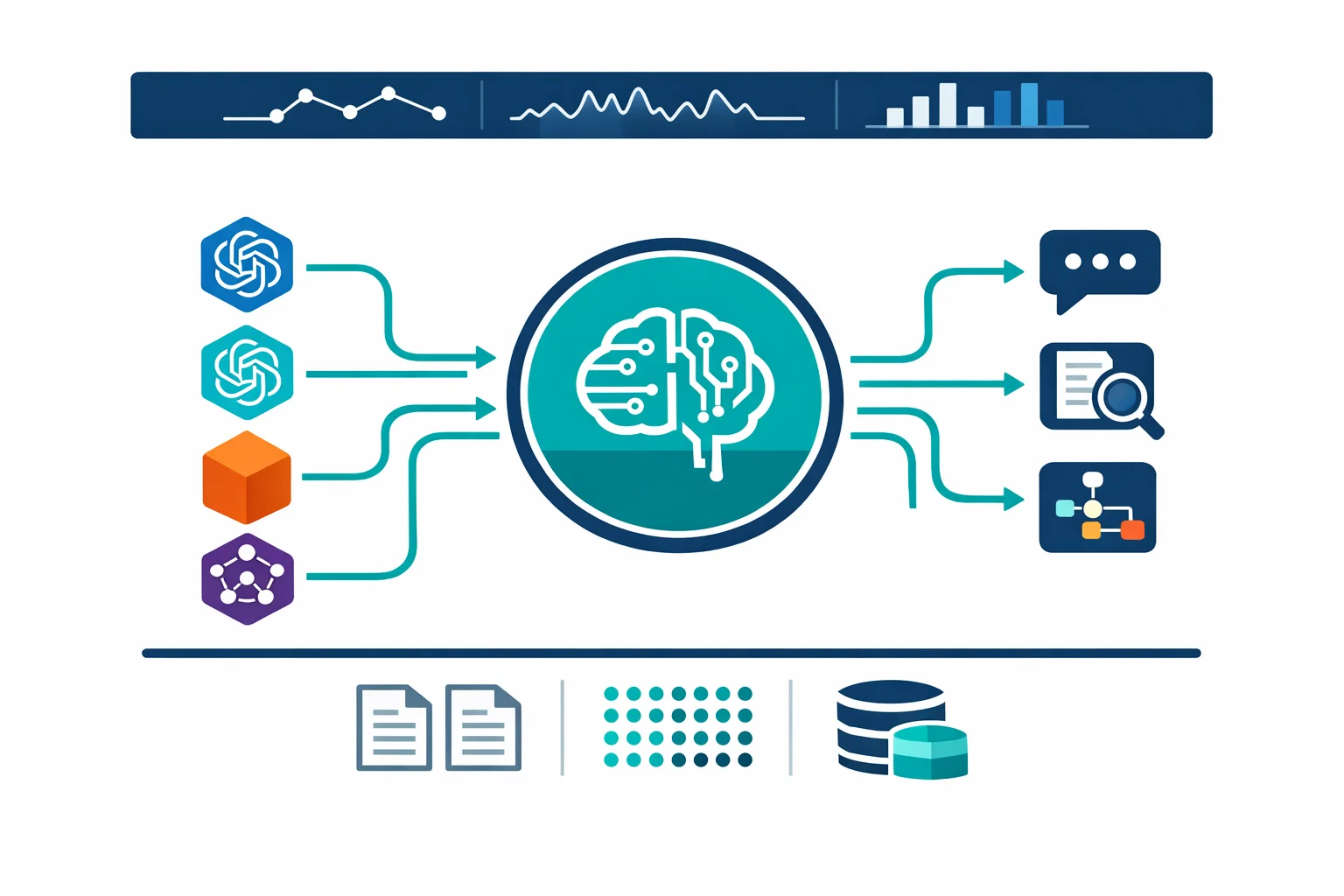
What you gain is the superset. The model catalogue extends past Azure OpenAI to DeepSeek, Meta, Mistral, xAI, Black Forest Labs, and Marketplace models from Stability, Cohere, and others. Foundry Agent Service, Evaluations, and the Foundry Tools (Speech, Vision, Language, Content Understanding) become available on the same resource. Projects arrive as the new organising unit: folders for work, and containers for access management and data isolation, with your pre-upgrade work landing in a backward-compatible default project.
Pricing for what you already run does not change. New capabilities carry their own meters if you start using them, which is exactly the governance point we will come back to.
You can tell whether a resource was upgraded rather than born as Foundry: upgraded resources carry a read-only previouskind: "OpenAI" property, and the upgrade operation itself is visible in the activity log as a write on the Cognitive Services account.
Microsoft docs: Upgrade Azure OpenAI to Microsoft Foundry
Auto-upgrade Changes the Timing Decision
The opt-in upgrade has existed for a while. What is new is auto-upgrade: Microsoft selects eligible Azure OpenAI resources in stages and upgrades them on a scheduled date, with advance notice to the subscription owner.
Selection is visible in the resource itself. An Azure OpenAI resource scheduled for auto-upgrade shows a Resource upgrade blade in the portal and a foundryAutoUpgrade block in its ARM properties (visible from API version 2026-01-15-preview):
"foundryAutoUpgrade": {
  "mode": "Enabled",
  "scheduledAt": "2026-04-15T00:00:00Z",
  "status": "Eligible"
}
The status codes tell you where you stand. Eligible means a date is set. DeferredByCustomer means someone pushed it back, which you can do in the portal or by setting foundryAutoUpgrade.mode to Deferred in your Bicep or Terraform definition. And the Failed: family tells you why a resource is excluded for now: Failed: PrivateNetworking, Failed: CustomerManagedKeys, and Failed: WeightsAndBiases are the three documented cases.
Read that exclusion list carefully, because it maps to a rollout order. Resources with private networking or customer-managed keys are skipped in the early waves and picked up later as zero-touch support lands. In other words, the plain resources go first, and the locked-down enterprise resources, the ones where the upgrade has real side effects, come later with advance notice. If you run the second kind, the notice period is your window to fix DNS and governance before the change arrives. Deferral buys time to prepare, so give it an owner, a review date, and a clear trigger for reconsidering the upgrade.
When Staying on Azure OpenAI Is Reasonable
The upgrade is opt-in until auto-upgrade selects you, and deferral is a supported control. There are legitimate reasons to use it:
- A stable inference workload with no need for agents, evaluations, or the wider catalogue gains nothing today and inherits new surface area to govern.
- Change-control regimes in regulated environments often require a review cycle before any resource-kind mutation, however non-destructive Microsoft says it is.
- A private-endpoint deployment where DNS is managed by another team, or frozen by an operating model, needs the DNS work scheduled before the upgrade makes sense.
- Weights & Biases integration is unsupported on Foundry resources. If you depend on it for fine-tuning workflows, the upgrade is blocked for you in practice.
- Customer-managed keys currently put the upgrade behind a request form rather than self-service.
What staying does not buy you is a permanently separate product. Azure OpenAI remains generally available and supported, and Microsoft has announced no retirement. But every signal, from the auto-upgrade programme to where new capabilities ship, points one way. Treat “stay” as “defer with intent”: pick the trigger that ends the deferral, whether that is an agents use case, a consolidation initiative, or simply the completed DNS change.
When Upgrading Deliberately Makes Sense
The stronger position for most platform teams is to run the upgrade themselves, on their own schedule, through their own templates. The cases where it pays off quickly:
- Several teams or use cases share your AI platform and you want projects as the isolation and access-management boundary instead of a sprawl of resources.
- A use case needs models outside the OpenAI family while keeping Azure-based deployment and governance. Check whether the model is sold directly by Azure or offered through the Azure Marketplace; the contractual, support, and data-processing position differs between the two.
- Agent Service or project-based evaluation workflows are on the roadmap. Agent Service requires Foundry; Azure OpenAI has its own evaluation capability, but the broader evaluation and operational workflow around models and agents lives in Foundry projects.
- You are consolidating the scatter of per-team OpenAI resources that 2023 and 2024 left behind, and the resource-and-project model is the target you consolidate onto.
- A platform team wants governed self-service: centrally owned Foundry resources, project-level access for delivery teams, Azure Policy constraining which models can be deployed.
There is also a quota argument for acting deliberately rather than late: subscriptions are limited to 30 Azure OpenAI instances per region but 100 AIServices instances per region, and consolidation onto Foundry resources with multiple projects relieves pressure on both numbers.
Four Controls to Review Before Upgrading
The upgrade mechanics are simple. The side effects are where enterprise deployments get hurt, and all of them are avoidable if you handle them before the kind flip rather than after.
Private endpoints block the easy path
Resources with existing private endpoints cannot be upgraded through the Foundry portal or the Azure portal at all. The documented options are to delete the private endpoints, upgrade, and recreate them, or to run the upgrade as a template operation in Bicep or Terraform, which is the option you want in any environment that cares about its network configuration. For Terraform, use an AzureRM provider newer than 4.57.0; older versions treat the kind change as destructive and will plan a replace.
Foundry speaks three DNS names
An Azure OpenAI resource answers on {custom-domain}.openai.azure.com. A Foundry resource exposes its capabilities across three FQDNs:
{custom-domain}.openai.azure.com{custom-domain}.services.ai.azure.com{custom-domain}.cognitiveservices.azure.com
On a private network, each needs resolution: an Azure Private DNS zone per domain, or a conditional forwarder per domain on a custom DNS setup. And the private endpoint you already have does not learn the new names by itself. Recreate it after the upgrade so the IP configurations for services.ai.azure.com and cognitiveservices.azure.com are created, then validate resolution and connectivity for all three FQDNs. Skip this and the resource upgrades cleanly, your existing OpenAI calls keep working, and every Foundry-only capability fails DNS resolution in ways that look like a service problem rather than a network one.
RBAC widens the moment the kind flips
Because both variants share the same management APIs, your existing role assignments and policies keep working after the upgrade. The catch is that some of them now mean more than they did.
A principal holding Cognitive Services User had access to OpenAI features before the upgrade. Afterwards, that same unchanged assignment covers all Foundry features, agents included. A subscription with no model-deployment policy could deploy OpenAI models before; afterwards it can deploy any model in the catalogue, Marketplace partners included. The narrow role, Cognitive Services OpenAI User, keeps meaning what it always meant, and custom roles keep their explicit definitions.
Before the upgrade, identify wildcard and kind-agnostic role assignments, decide which principals should keep access to the wider Foundry surface, and put model deployment policy in place where broader access is not intended. Microsoft’s own guidance is to approve capabilities in phases: broader model access first, agents later, tools later still. Do the RBAC work before the upgrade and the phased rollout is a policy exercise; do it after and it is an incident review.
One more role wrinkle: creating agents and other data-plane work needs the Entra data-plane roles (Foundry User, Foundry Project Manager, Foundry Owner, freshly renamed from the Azure AI User family). Owner or Contributor on the Azure resource is a management-plane role and does not grant it, which surprises the first developer on every upgraded resource.
Regions and rollback have fine print
Foundry model and feature availability differs by region, and Agent Service in particular runs in a narrower region set than Azure OpenAI. Check your region against the feature you are upgrading for before promising it to anyone.
Rollback exists and is supported: the resource converts back to kind: OpenAI from the portal or a template. But it is conditional. Projects, connections, and non-OpenAI model deployments must be deleted first, which means rollback gets more expensive the more Foundry you actually use. There is also a quota edge: if your subscription already sits at the 30-per-region Azure OpenAI limit, a rollback can fail until something else moves. Rollback is a genuine safety net for a failed upgrade window, and a poor strategy for prolonged indecision.
The Decision in One Table
| Situation | Likely direction |
|---|---|
| Stable single-purpose GPT workload, nothing Foundry-only needed | Stay on Azure OpenAI and defer deliberately, with a named trigger to revisit |
| New AI platform for several teams | Start on Foundry; use projects as the access and isolation boundary |
| Existing Azure OpenAI, agents or evaluations planned | Upgrade in place, through IaC, on your schedule |
| Private endpoints and locked-down DNS | Upgrade via Bicep or Terraform only, after the extra DNS zones exist; recreate and test the private endpoint during the change window |
| Customer-managed keys | Request-gated today; plan for a later wave |
| Weights & Biases in the fine-tuning loop | Blocked; keep the deferral active while it matters |
| Broad RBAC, no model-deployment policy | Fix governance first, whichever path you take |
A Safer Implementation Sequence
For anything with security configuration, the template path is the only one worth considering. The change itself is two properties on your existing resource definition:
- kind: 'OpenAI'
+ kind: 'AIServices'

  identity: {
    type: 'SystemAssigned'   // managed identity is a prerequisite
  }

  properties: {
+   allowProjectManagement: true

    // Preserve your existing values for customSubDomainName,
    // disableLocalAuth, publicNetworkAccess, networkAcls, and
    // every other current property.
  }
This is the upgrade delta, and deliberately not a complete resource definition. Microsoft’s own sample sets disableLocalAuth: true, which turns off key-based authentication; applied to a resource whose applications authenticate with keys, that single line produces 401s once it propagates. Merge the delta into your existing template and keep the current authentication, networking, and policy-related properties exactly as they are. Moving to Entra-only authentication is a good target for many environments, but it is its own tested change, and it does not belong inside the Foundry upgrade.
Sequence the rest around the delta: DNS zones and RBAC review before the apply, private endpoint recreation and a smoke test of all three FQDNs after it, model-deployment policy in place before anyone discovers the wider catalogue. Run it in a lower environment first, if only to watch what your Terraform provider version wants to do with the kind change.
Treat the upgrade as a platform release rather than a product rename. Review access and model policy first, prepare the DNS zones, apply the resource change through IaC, recreate the private endpoint, and test every endpoint before closing the change. The ARM mutation is small. Its operational scope is not.
Already running Azure OpenAI, or watching a foundryAutoUpgrade date approach? Our Azure AI Platform Architecture Review validates the target resource model, networking, access boundaries, gateway controls, and operational evidence before the change reaches production.
Technical details verified against Microsoft’s upgrade and auto-upgrade documentation on 10 July 2026.
Related: Enterprise AI on Azure in 2026 and What Actually Changed the platform-wide view · Architecting for Azure OpenAI: Enterprise Patterns That Actually Work the 2023 foundations
Planning an Azure OpenAI upgrade?
The fixed-scope Azure AI Platform Architecture Review covers the target resource model, private networking, access boundaries, model governance, gateway controls, and operational evidence before the change reaches production.